
vCardOOo
prrvchr@gmail.com
Your vCard Nextcloud contacts as an HsqlDB database in LibreOffice
 Installing Python packages
Ce document en français.
Regarding installation, configuration and use, please consult the Documentation.
Introduction:
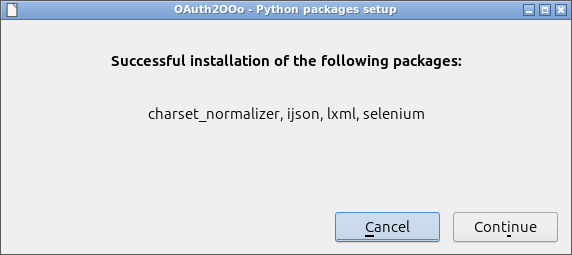
If the LibreOffice extension you just installed requires Python packages containing binary files, a wizard will prompt you to install these packages upon the first restart.
The extension cannot be used until this procedure has been carried out and LibreOffice has been restarted.
Python packages setup:
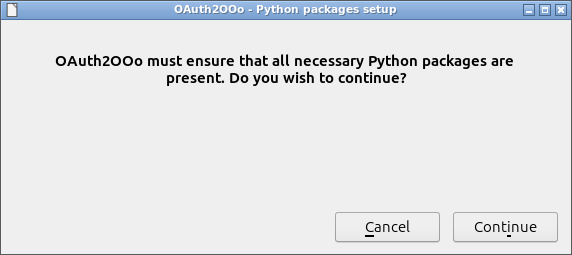
If this window does not appear when restarting LibreOffice, it means that LibreOffice was not closed correctly.
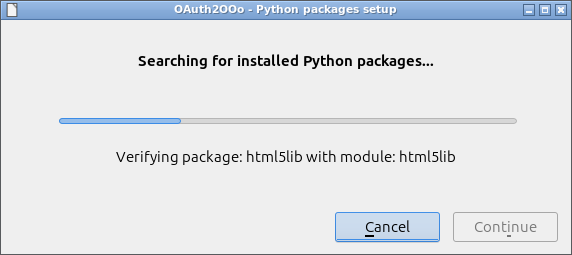
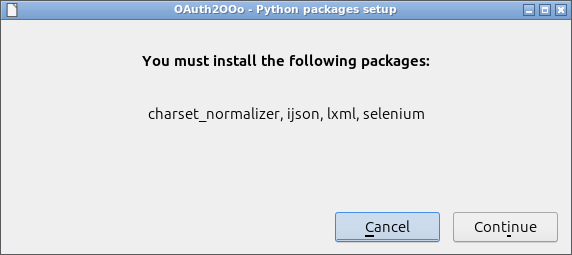
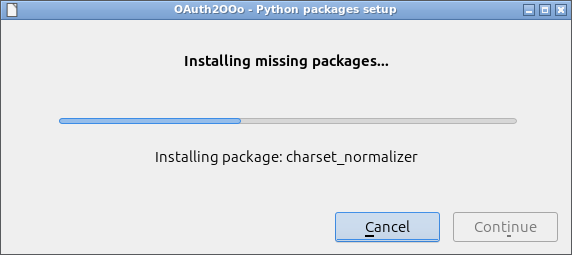
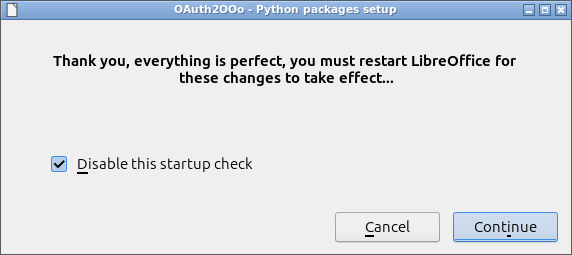
To ensure a quick startup of LibreOffice, it is recommended to leave the Disable this startup check option selected.
You must restart LibreOffice for these changes to take effect.